Secure File Sharing Without Email: 7 Practical Options
Compare secure links, portals, data rooms, private chat, and other alternatives to email for sensitive document handoffs.
· By Strumio Editorial Team · Updated
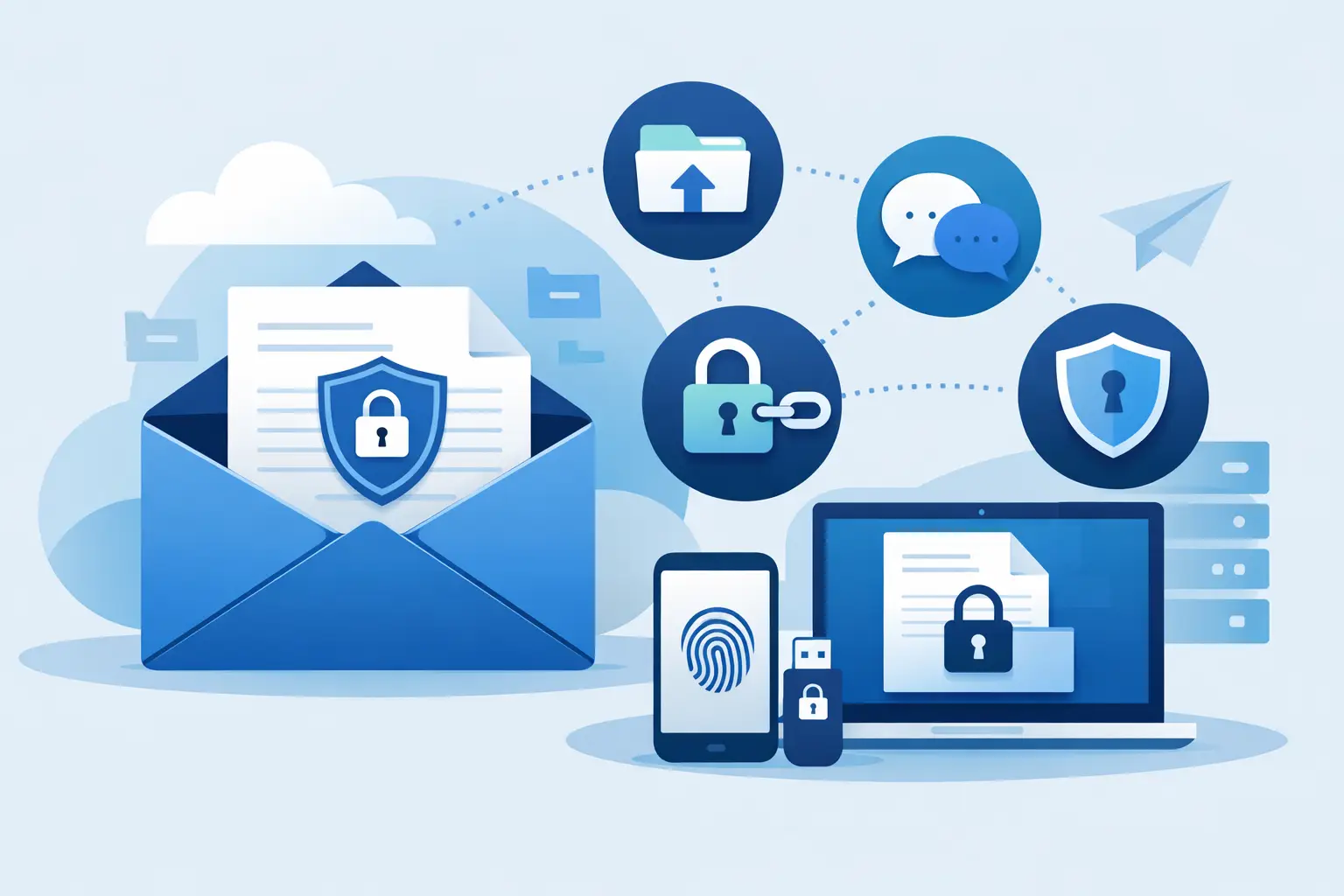
Email is convenient because everyone already has it. That convenience is exactly why it is a poor place for passports, tax forms, signed contracts, recovery codes, financial records, and confidential client files. The best alternatives to email for sensitive documents separate the notification from the document itself and give the sender meaningful control over access.
A better delivery method does not make a document impossible to copy after it is opened. A recipient can still download an authorized file, take a screenshot, or re-share its contents. What the right tool can do is reduce accidental exposure, limit unnecessary retention, and make access harder for the wrong person.
Why email creates a long-lived exposure problem
An attachment sent by email tends to multiply. It may sit in the sender's Sent folder, the recipient's inbox, mailbox backups, endpoint backups, archive systems, mobile devices, and any mailbox that later receives a forwarded thread. Even if the sender deletes their copy, they do not control those other locations.
Email also makes it easy to send to the wrong address, reply-all with an attachment, or attach a current document to an old thread with a broad distribution list. Standard email encryption can help in some organizations, but it often depends on both parties having compatible configuration, certificate management, and a workflow they actually follow.
For sensitive handoffs, ask a narrower question: Does this person need a copy in their permanent inbox, or do they simply need controlled access long enough to complete a task? In many cases, the answer is the latter.
1. Encrypted share links for one-to-one handoffs
An encrypted share link is often the most practical choice when you need to send a document to one person without creating an account for them. The sender encrypts the message or file in the browser, then sends the private link through a channel they already use, including email, text, or a ticket comment.
With a properly designed client-side encryption model, the service stores ciphertext rather than the readable document. The decryption key can remain in the URL fragment, the portion after the # symbol that standard browser requests do not send to the server. That design reduces the amount of information a storage provider can access.
Look for controls that match the handoff: an optional password, an expiration date, one-time access, or a download limit. Strumio is built for this type of focused exchange, including encrypted attachments, recipient replies, and Dead Drop files with limited downloads.
The trade-off is operational, not cryptographic. If a recipient loses the link or password, the sender may need to create a new handoff. And if the link is forwarded before it expires, anyone with the necessary access details may be able to open it. Send the password through a separate channel when the risk justifies it.
2. Secure client portals for recurring document exchange
A secure portal fits ongoing relationships where documents move back and forth over weeks or months. Accounting firms collecting tax records, HR teams receiving employee paperwork, consultants working with clients, and legal teams handling case materials all benefit from a consistent place to upload and retrieve files.
A good portal gives each user an authenticated account, a defined workspace, role-based access, audit records, and file organization. It is more structured than a private link and better suited to repeat workflows. A client can return to one location rather than search old messages for the latest attachment.
The cost is friction. Every external participant must register, sign in, and manage access. That is worthwhile when the relationship is recurring or regulated, but it can be excessive for a single confidential document. Do not force a client portal onto a one-time recipient just because it is the system your team already owns.
3. Virtual data rooms for high-stakes review
Virtual data rooms are designed for controlled review by many parties. They are a sensible choice for due diligence, fundraising, mergers and acquisitions, litigation, real estate transactions, and other situations where document access needs structure and traceability.
Unlike a simple secure link, a data room can organize hundreds or thousands of documents, assign granular permissions, track viewer activity, and restrict actions by user or folder. Some platforms can apply watermarks or limit printing, though those features should not be treated as a guarantee against copying.
This is not the lightweight answer to sending a signed W-9 or a customer export. Data rooms require administration, participant setup, and careful permission design. Use one when the review process itself is complex, not merely because the files are sensitive.
4. End-to-end encrypted messaging for active collaboration
If the document is part of an active conversation, an end-to-end encrypted messaging tool may work better than email. The recipient can ask a question, receive context, and send a corrected version without creating a sprawling email thread.
This approach is strongest when both people already use the same trusted tool and understand its backup, device, and retention settings. A tool may encrypt messages in transit and on its servers while still allow cloud backups, desktop notifications, previews, or long-lived local copies. Those details matter for credentials and confidential documents.
For small team discussions, choose a service that supports authenticated participants, encrypted attachments, and clear session controls. For a temporary conversation with an outside party, an account-free private chat can reduce setup friction. The goal is not to replace every team communication system. It is to keep a sensitive exchange out of a permanent, searchable business chat history when it does not belong there.
5. Managed file transfer for large or automated deliveries
Managed file transfer is appropriate when files are large, transfers are frequent, or systems need to exchange data automatically. Common examples include payroll exports, medical billing files, transaction reports, production logs, and scheduled partner feeds.
These systems typically emphasize authenticated endpoints, transfer logging, retention rules, and integrations. They can be a better operational control than asking staff to manually upload large files to a consumer storage drive every Friday.
Managed transfer is usually not a pleasant recipient experience for a single ad hoc handoff. It may require VPN access, SFTP credentials, technical setup, or a vendor-specific account. Its value is reliability and governance at scale, not convenience for a one-time recipient.
6. Encrypted file containers when storage is unavoidable
Sometimes the recipient must keep the file in their existing storage system. In that case, encrypting the document before upload can protect the contents even if the storage folder is shared too broadly or retained too long.
This option creates a separate key-management problem. Do not send the encryption password in the same email as the encrypted file. Use a separate channel, and make sure the recipient knows which encryption tool or format they need to open it. A secure process that recipients cannot complete under pressure becomes an insecure workaround.
Encrypted containers are especially useful for archival material and offline storage. They are less useful for rapid collaboration, where repeated downloading, decrypting, editing, and re-encrypting can lead to version confusion.
7. Split-key disclosure for information no one person should hold alone
Some secrets are too consequential to give to a single recipient: production recovery credentials, acquisition details, executive emergency access codes, or instructions that require dual approval. In these cases, threshold-based sharing can be more appropriate than sending one encrypted document.
Split-key disclosure divides a secret into shares so that a defined number of people must combine their pieces to reveal it. For example, three of five designated custodians might be required. This reduces the risk that one compromised inbox, device, or individual can expose the full secret.
It also introduces process overhead. Define who holds each share, what happens when someone leaves, and how the group verifies an emergency request. This is a governance control, not just a technical feature.
How to choose an alternative to email for sensitive documents
Start with the recipient and the lifespan of access. A one-time handoff to one person usually calls for an encrypted link with expiration or one-time retrieval. A recurring client relationship may justify a portal. A complex review involving many stakeholders belongs in a data room. Automated or very large transfers point toward managed file transfer.
Then consider the exposure you are trying to reduce. If your concern is the service provider reading file contents, prioritize client-side encryption. If your concern is a mistaken recipient, use passwords and verify the address or identity before sharing. If your concern is lingering copies, use temporary access and limited downloads, while recognizing that expiration cannot retract a document someone has already viewed.
Finally, keep the delivery process simple enough to use correctly. Verify the recipient through a known channel, send only the material they need, and remove access when the task is complete. Privacy controls work best when they are part of the handoff itself, not an afterthought added after the file is already sitting in an inbox.