Email vs Browser-Encrypted Handoffs: Passwords, Files, and Recovery Codes
Email versus browser encrypted handoffs: compare exposure, delivery controls, and practical limits when sharing passwords, files, and recovery codes.
· By Strumio Editorial Team · Updated
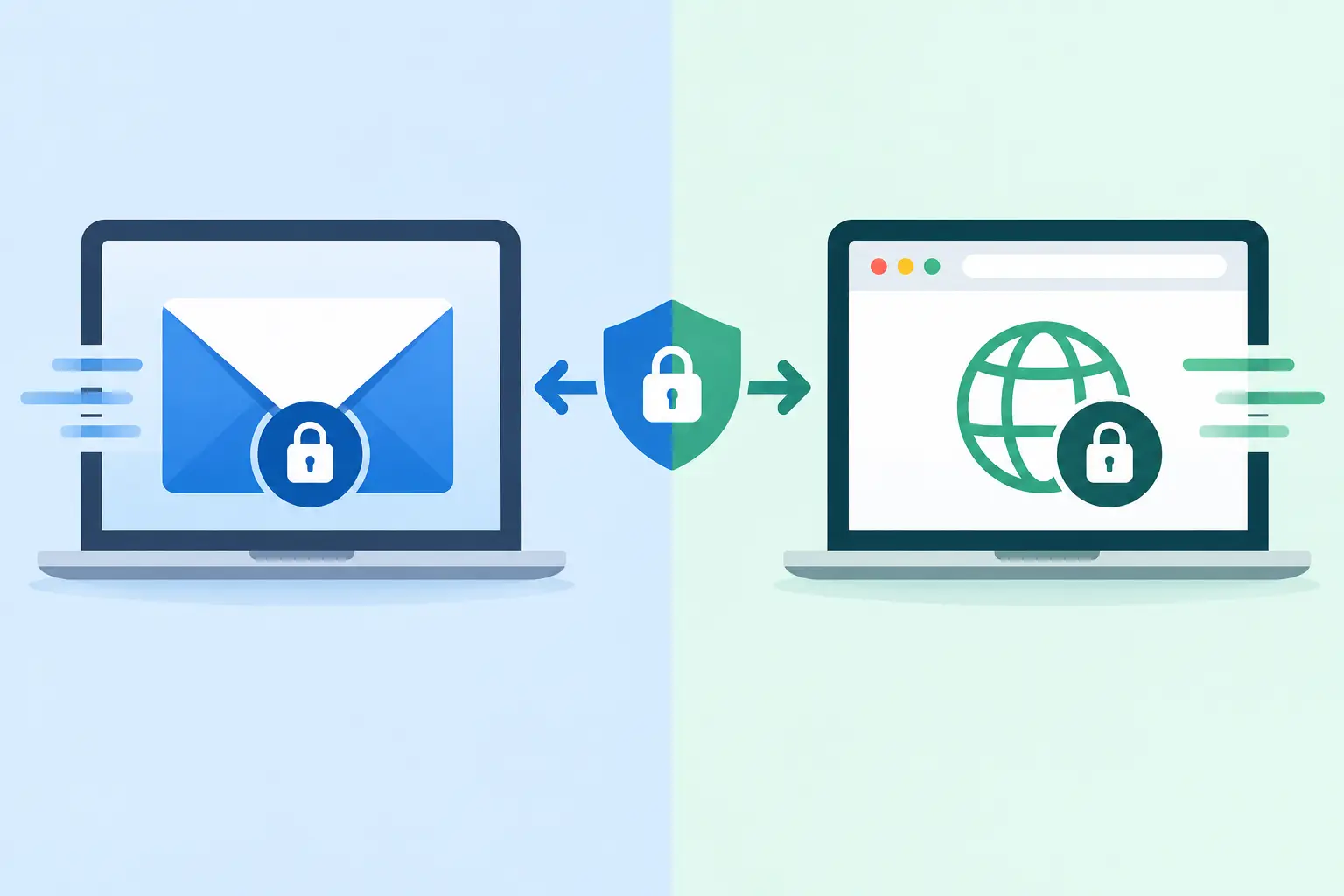
A password pasted into an email thread has a habit of outliving the task it was meant to complete. It may remain in Sent items, recipient inboxes, backups, forwarding chains, help-desk tickets, and mailbox search results for years. That is the operational difference at the center of email versus browser encrypted handoffs: the question is not only whether content is encrypted while moving, but where readable information can persist and who can retrieve it later.
Email remains useful for coordination. A browser-encrypted handoff is designed for the sensitive payload itself: a credential, recovery code, API key, confidential attachment, or access instruction that should be visible to a limited audience for a limited time.
What email protects, and what it leaves behind
Most modern email services use TLS for transport between a browser or mail client and a provider. That protects messages against many forms of interception while they travel across the network. It does not normally mean that only the sender and intended recipient can read the message.
With conventional business or consumer email, the provider generally processes and stores readable message content. Administrators, retention systems, legal discovery processes, compromised mailboxes, delegated access, and forwarding rules can all expand the set of people or systems that may eventually reach a sensitive message. Attachments can be copied into separate storage, scanned, indexed, or downloaded to unmanaged devices.
Email also creates a durable conversation record by design. That record is valuable when a team needs context, approvals, and an audit trail. It is a poor default when the content is a credential that should not be retrievable six months after a contractor has finished a project.
There are exceptions. End-to-end encrypted email systems and carefully managed S/MIME or PGP deployments can reduce provider visibility. They can be appropriate where both parties already use compatible keys, policies, and clients. The practical limitation is adoption: exchanging, validating, rotating, and recovering encryption keys is often more work than a one-time handoff warrants. Recipients may also forward, export, or archive the decrypted message after opening it.
How browser-encrypted handoffs change the exchange
A browser-encrypted handoff separates delivery from decryption. The sender enters a secret into a web page, where it is encrypted locally in the browser before storage. The service stores ciphertext, not the readable secret. The sender then shares a private link with the recipient through a channel they already use, including email, chat, or a ticketing system.
In a well-designed link-based model, the decryption key is held in the URL fragment, the portion after #. Browsers do not include fragments in standard requests to the web server. This means the stored ciphertext and the key are separated at the request layer: the service can deliver the encrypted record without receiving the fragment key needed to decrypt it.
That architecture does not make the delivery channel disappear. If you send the full private link by email, the recipient's mailbox still contains the link. Anyone with access to that mailbox may be able to open it while the handoff remains valid. But the email message does not need to contain the secret in readable form, and the sender can apply controls that an ordinary email body does not offer.
Those controls commonly include expiration, one-time viewing, optional password protection, manual deletion, encrypted recipient replies, and limited file downloads. A SecretLink created in Strumio, for example, can be used for a focused one-to-one exchange without requiring the recipient to create an account.
The decision is really about persistence and control
The difference is easiest to see in a familiar scenario. A founder needs to give a fractional finance lead access to a bank portal. Emailing the username and password creates two searchable records. Sending them in separate emails is slightly less convenient for an attacker, but both secrets can still persist in the same mailbox ecosystem.
A browser-encrypted handoff lets the founder send a private link that expires after the finance lead retrieves the password. If the password is also shared through a different channel, such as a phone call or a separate message, a stolen link alone is less useful. If the recipient needs to respond with a confirmation or replacement credential, an encrypted reply path can keep the exchange out of the original email thread.
This is not just a password-sharing use case. The same pattern fits API tokens for a deployment, recovery codes for an executive, a confidential file sent to an outside counsel, or temporary instructions for a vendor. The more harmful a long-lived copy would be, the stronger the case for a controlled handoff.
When email is still the right tool
Do not force every communication into a private-link workflow. Email is often the better choice for non-sensitive scheduling, project status, meeting notes, policy discussion, and content that a team needs to preserve as an accessible business record. It is also appropriate when the recipient must be able to search, quote, and circulate the information as part of normal work.
Browser-encrypted handoffs add a small amount of recipient friction. The recipient must open a link, and may need a separate password or second channel to complete access. That friction is useful when it narrows exposure, but unnecessary friction can cause people to bypass the process. The right workflow is proportionate to the sensitivity of the material and the consequences of a retained copy.
For recurring exchanges, reusable encrypted request links can be more practical than asking people to invent a new method each time. A consultant can request documents from clients through the same private intake link while retaining controls over the submitted files. Teams that need a shared, temporary discussion can use an encrypted group room rather than passing sensitive details through an expanding email distribution list.
Controls have limits, and those limits matter
Expiration and one-time access reduce the opportunity to retrieve a secret later. They do not revoke knowledge already revealed. A recipient can copy plaintext, take a screenshot, save a file after downloading it, or share the information before the link expires. No web control can reliably prevent that once a trusted endpoint displays the content.
Likewise, browser-side encryption does not protect a device already compromised by malware, a recipient who is not trustworthy, or a link sent to the wrong person. If an attacker controls the recipient's browser session, they may see the decrypted content just as the recipient does. If a private link is posted in a public ticket or copied into a broadly accessible chat channel, its confidentiality has already been weakened.
Metadata also deserves a clear-eyed view. A service may retain operational information needed to run the handoff, such as timing, account activity, or ciphertext records. The exact data depends on the provider and configuration. Client-side encryption narrows access to message content; it should not be described as eliminating every trace of communication.
Use a second channel when the stakes justify it
For high-value credentials, avoid sending every access factor together. Share the encrypted link by email, then give the optional password by phone, voice call, or an authenticated chat channel. Confirm the recipient's identity before release, particularly when an unexpected request arrives from a familiar address. Mailbox compromise and impersonation often look routine at first.
After the handoff, rotate temporary credentials where possible. One-time retrieval is helpful, but a short-lived token or newly generated password reduces the value of any copied information. For especially sensitive material, consider split-key disclosure so no single participant can reveal the complete secret alone.
Choose the smallest durable footprint
Email is a communications archive with delivery capabilities. Browser-encrypted handoffs are a controlled delivery mechanism that can use email as a transport layer without putting the plaintext in the email body. Neither replaces sound identity checks, endpoint security, or credential rotation.
Before sending, ask a practical question: if this exact content were still searchable in five years, would that be acceptable? If the answer is no, send coordination by email and move the sensitive payload into an encrypted handoff with an expiration that matches the job.