A Practical Guide to Client-Side Encryption
Use this guide to client-side encryption to protect sensitive messages, files, and credentials before they leave your browser, and know the trade-offs.
· By Strumio Editorial Team · Updated
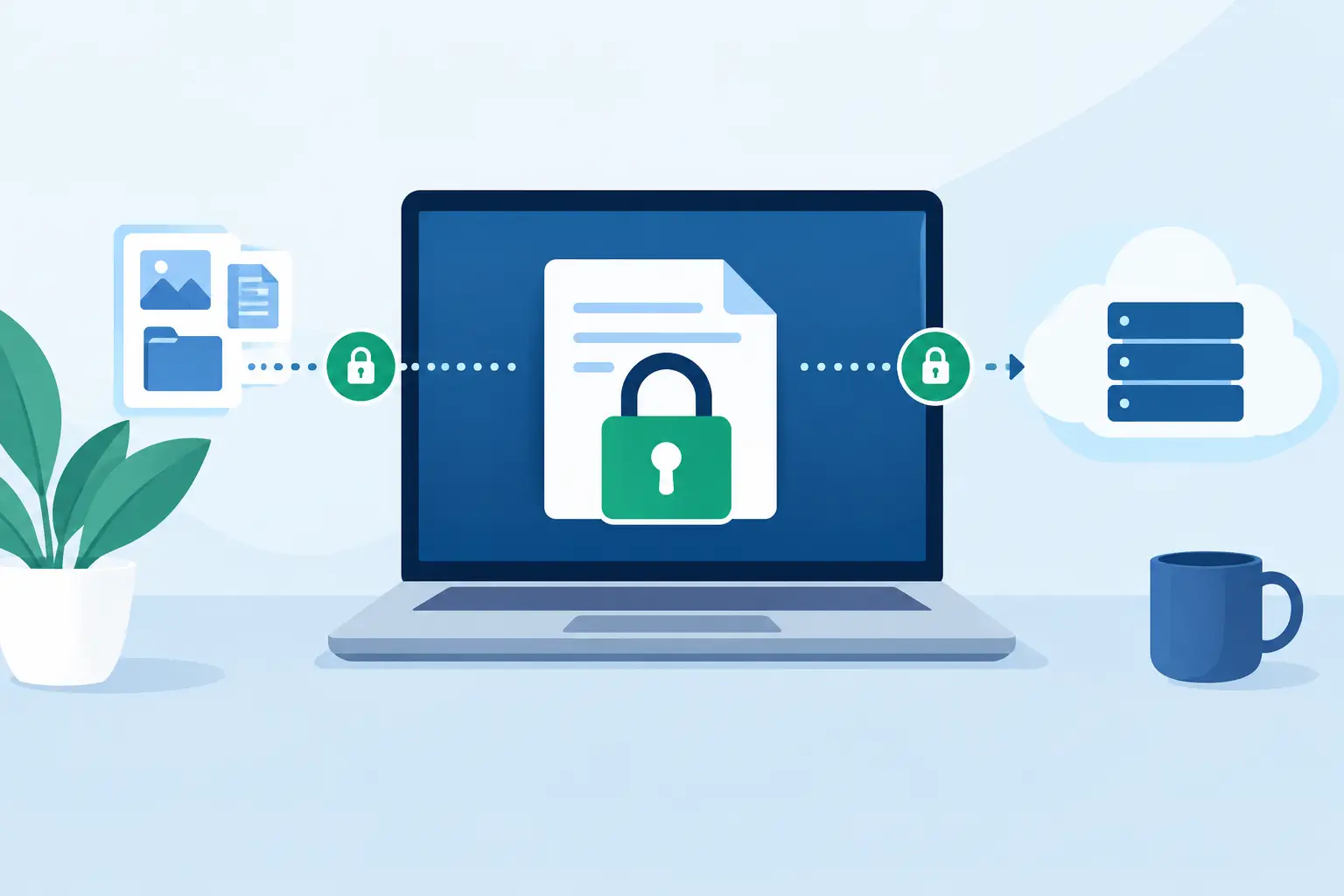
Email threads, chat histories, and support tickets are convenient places to exchange information. They are also long-lived records of passwords, recovery codes, API keys, confidential files, and access instructions. A guide to client-side encryption starts with a more useful question than “Is this encrypted?”: where does readable information exist before it reaches the recipient?
Client-side encryption moves the encryption step to the sender’s device. Your browser or app turns plaintext into ciphertext before the content is uploaded or sent. A service can store and deliver that ciphertext without necessarily being able to read the underlying message or file.
That distinction matters when you need a focused, controlled handoff without putting sensitive material directly into an inbox, team chat archive, or cloud folder.
What client-side encryption actually does
With ordinary transport encryption, such as HTTPS, the connection between your browser and a service is protected while data is moving. The service can still receive the readable content, process it, and potentially store it in readable form. This is useful security, but it is not client-side encryption.
With client-side encryption, the browser encrypts content locally before upload. The service receives ciphertext, which should look like meaningless encrypted data without the correct decryption key. When the intended recipient opens the private share, their browser uses the key to convert ciphertext back into readable plaintext.
The result is a meaningful reduction in trust placed in the delivery service. Rather than asking the service to protect a readable secret on your behalf, you ask it to store and route encrypted material.
This architecture is especially practical for short-lived exchanges: a consultant sending temporary administrator credentials, an engineer handing off an API token, a founder sharing a confidential document with an adviser, or an IT team collecting sensitive access details from a vendor.
How browser-based encryption works
A browser-based encrypted handoff generally follows three steps. First, your browser generates cryptographic material and encrypts the message or attachment locally. Second, the encrypted ciphertext is uploaded for storage and delivery. Third, the recipient opens a private link, and their browser decrypts the content locally using the necessary key.
Modern browsers provide cryptographic capabilities through the Web Crypto API. A well-designed service can use authenticated encryption such as AES-256-GCM, which both encrypts the content and helps detect unauthorized changes. Encryption without authentication can conceal a message while leaving room for tampering, so both properties matter.
Key handling is where the design becomes concrete. One common approach places the decryption key in the URL fragment, the portion after the # symbol. Standard browser requests do not include URL fragments, so the server handling the request does not ordinarily receive that key. The browser reads the fragment locally and uses it to decrypt the stored ciphertext.
This is why a private link must be treated like a key, not like a casual reference. Anyone who receives the full link may be able to decrypt the content. Sending the link in the same unprotected place as the secret may still be acceptable for some workflows, but separating the link and an optional password across different channels can reduce exposure.
What client-side encryption protects, and what it does not
Client-side encryption is strong protection against a specific set of risks. It can reduce the exposure created when a delivery platform, storage system, or database contains your message or attachment. It can also limit the damage from an unauthorized party obtaining stored ciphertext without its decryption key.
It does not make every part of an exchange invisible. Services may still process operational metadata, such as creation time, expiration settings, ciphertext size, access events, or an account identifier for signed-in users. The exact metadata depends on the product and workflow. Security-conscious teams should ask what is encrypted, what is logged, how long records are retained, and who can access administrative data.
It also does not protect a compromised endpoint. If malware is running in the sender’s browser or a recipient’s device is already under someone else’s control, it may capture plaintext before encryption or after decryption. A malicious browser extension, an infected workstation, or a copied session can defeat protections that work correctly at the storage layer.
Most importantly, expiration and one-time viewing cannot revoke information that has already been revealed. A recipient can copy text, save a file, take a screenshot, or photograph a screen. These controls narrow the window of access and reduce accidental persistence. They cannot create technical control over knowledge a recipient has already obtained.
Guide to client-side encryption workflows
The best workflow depends on the sensitivity of the material and how much friction the recipient can reasonably handle. For a single password handoff, the goal may be simple: encrypt in the browser, send a private link, require a password, and set a short expiration. For a large confidential file, limited downloads and a clear deletion schedule may matter more.
Before creating a share, classify the content. Do not bundle unrelated secrets merely because they are convenient to send together. A production credential, recovery code, and confidential contract may have different recipients, lifetimes, and audit needs. Separate handoffs reduce the consequences if one link is forwarded or one recipient’s device is compromised.
Set access controls that match the use case. An expiration is useful when information should only be available for a defined period. One-time access can help when a recipient needs to retrieve a secret once. A password provides a second condition for access, particularly when it is delivered through a separate channel. Download limits are useful for files, though they should be understood as delivery controls rather than copy prevention.
For recurring collection workflows, reusable encrypted request links can be more practical than asking people to improvise secure sharing each time. For example, a consultant can give a client a request link for credentials or environment details, allowing the client to submit encrypted information without opening an account. That reduces the temptation to fall back to email when time is short.
When a secret should not be disclosed by one person alone, threshold-based controls are more appropriate. Split-key secrets can require multiple authorized parties to contribute before plaintext becomes available. This adds coordination, but it can be the right trade-off for production recovery keys, high-value credentials, or procedures that should not depend on a single individual.
Practical checks before you send
A secure handoff is partly cryptography and partly operational discipline. Confirm the recipient’s identity using a channel you already trust, especially when a request for credentials arrives unexpectedly. Check that the destination is the intended environment and that the secret has the minimum necessary privilege.
Be deliberate about the recipient experience. If the recipient will need a password, tell them how they will receive it. If a link expires in an hour, make sure they know it is time-sensitive. If the material is sensitive enough that forwarding would be harmful, state that plainly and avoid putting identifying details in the message that accompanies the link.
After the handoff, rotate credentials that were temporary or exposed for a one-time task. Delete shares that are no longer needed, and avoid treating encryption as a substitute for credential lifecycle management. The safest shared secret is often one with limited scope and a short useful life.
Tools such as Strumio apply this model directly: content is encrypted in the browser, ciphertext is stored for delivery, and the recipient uses a private link to decrypt it locally. Features such as expiration, optional passwords, one-time access, encrypted replies, and download limits add practical control around the encrypted exchange. They are valuable because they support good operating habits, not because they remove the need for them.
Choosing when the model fits
Client-side encryption is a strong fit when you need to send a focused secret through channels the recipient already uses, without adding that secret to the permanent history of those channels. It is less suitable when an organization needs centralized content inspection, legal hold, full-text search, or recovery by administrators. Those requirements may require a different architecture and a clear policy decision about who holds decryption capability.
The right question is not whether every message deserves maximum friction. It is whether the consequences of leaving this particular information readable in another system are worth avoiding. When the answer is yes, encrypt it in your browser, share the private link carefully, and keep the handoff as narrow and temporary as the work allows.