Password Managers Versus Secret Links Compared
Password managers versus secret links serve different jobs. Learn when to store credentials, when to make a controlled handoff, and why that matters.
· By Strumio Editorial Team · Updated
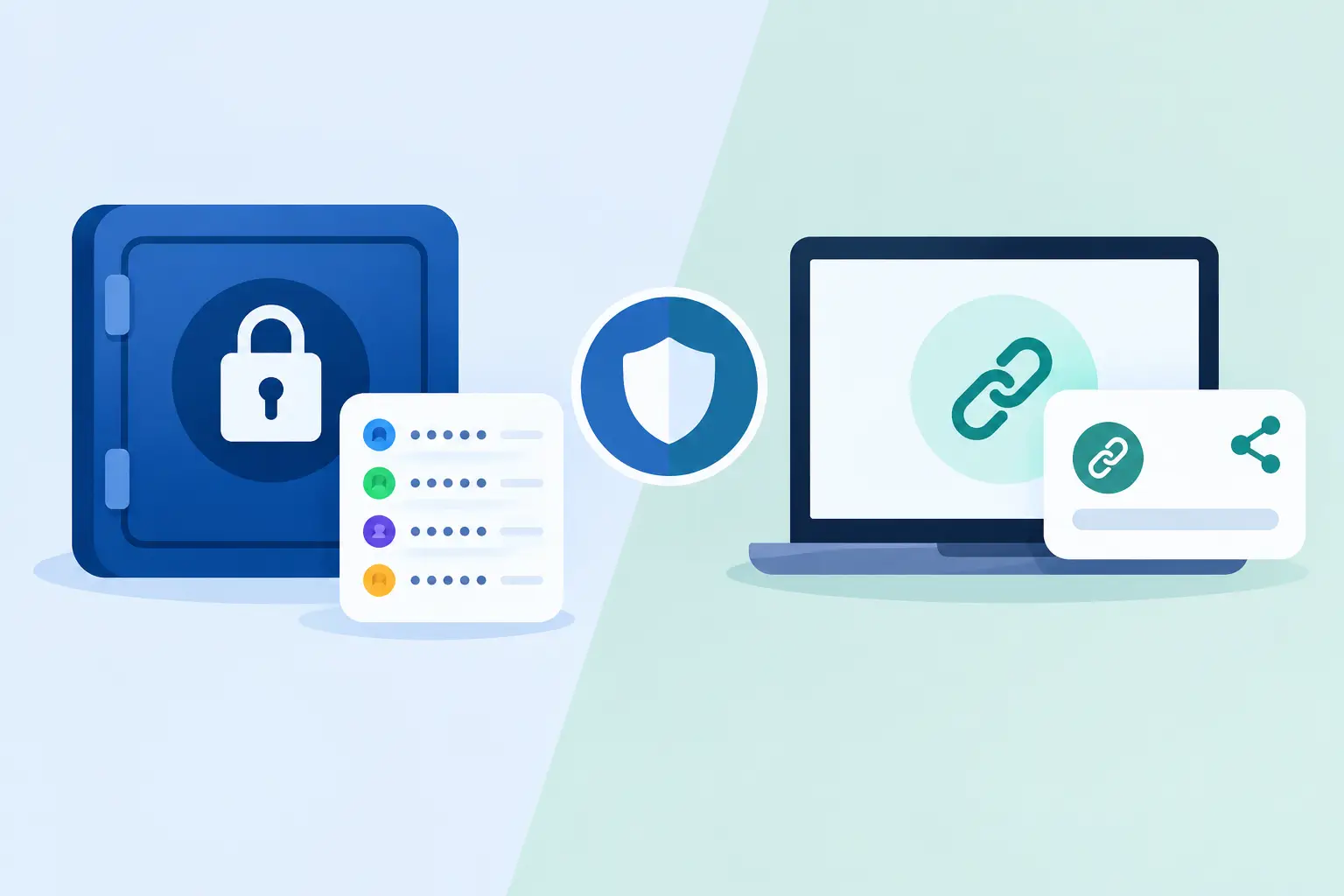
A contractor needs a production login for one afternoon. A customer needs a recovery code after a support call. A teammate needs an API token to finish an urgent deployment. These are all credential-sharing moments, but they do not call for the same tool. Password managers versus secret links is not a contest between stronger and weaker security. It is a decision about whether you are maintaining an ongoing secret or making a controlled handoff.
A password manager is built to retain credentials and make them usable over time. A secret link is built to deliver sensitive information with a defined access window. Treating one as a substitute for the other can create unnecessary records, leave recipients without a practical way to respond, or turn a temporary exception into a permanent access path.
Password Managers Versus Secret Links: Different Jobs
Password managers are credential vaults. They create, store, organize, and fill passwords, passkeys, secure notes, and related account details. Their core value is continuity: a person or team can return to a credential later, keep it updated, and use it without copying the secret into email or chat.
That makes a password manager the right default for a credential that someone legitimately needs on an ongoing basis. An employee who administers a vendor account, a shared service credential owned by an operations team, or a family member who manages a recurring bill all benefit from a durable, organized record. Access can often be shared through a vault, group, or collection rather than by exposing the password in a message.
Secret links solve a narrower problem. They package a message, file, credential, or instruction for a specific recipient or short-lived workflow. The sender can choose controls such as expiration, a password prompt, one-time access, download limits, or deletion after the handoff. The recipient gets a private link through a channel they already use, without necessarily needing a vault account, browser extension, or new software.
The distinction matters because sharing a password is not always granting access to a managed account. Sometimes it is simply delivering a recovery code, an encryption key, a temporary database password, or an instruction that must not remain in a ticket history. In those cases, putting the item into a shared vault may create more persistent access than the situation requires.
When a Password Manager Is the Better Choice
Use a password manager when the recipient needs repeat access and there is a clear reason for that access to continue. It is especially useful when credentials change regularly, when multiple people must use the same account, or when the account has associated details such as login URLs, account IDs, security questions, and ownership notes.
A good vault also reduces operational mistakes. Instead of sending a credential every time someone asks, the account owner can grant access once, revoke it when a role changes, and update the saved item when the password rotates. The recipient can use the credential without repeatedly placing it on a clipboard or pasting it into messages.
Password managers are also better suited to inventory. Security teams need to know who owns a credential, whether it is shared, and whether it has been rotated. A vault can support this ongoing governance in a way that one-time delivery tools are not designed to replace.
There is a practical boundary, however. A vault invitation can be excessive for an external consultant who needs one temporary secret. It may require account setup, organization membership, licensing, training, or an extension on a device you do not manage. Those controls may be appropriate for a long-term collaborator. They are often disproportionate for a single handoff.
When a Secret Link Is the Better Choice
A secret link is appropriate when the information is sensitive, the exchange is short-lived, and the recipient does not need continuing vault access. Common examples include a one-time recovery code, a temporary service login, an API key being delivered during a migration, a confidential attachment, or access instructions for a time-bound event.
The delivery channel matters here. You can send a private link by email, text, Slack, or a ticket without placing the plaintext secret in that system's searchable history. With a browser-side encrypted service such as Strumio, the content is encrypted in the sender's browser before it is stored. The service stores ciphertext rather than the readable message, while the decryption key is kept in the URL fragment, which standard browser requests do not normally send to servers.
That architecture does not make the link harmless. Anyone who receives both the link and any required password may be able to read the secret while it remains available. But it avoids the common failure mode of putting a credential directly into a mailbox, chat transcript, CRM record, or support ticket that may be retained and broadly searchable for years.
Secret links also give the sender useful delivery controls. One-time viewing can reduce repeat access. Expiration can limit how long an unopened secret remains available. Password protection can create a second channel, where the link travels one way and the password is communicated separately. Download limits can be useful for sensitive files where a recipient only needs a limited number of retrievals.
Those controls should be described accurately. Expiration cannot revoke information that a recipient has already viewed. One-time access cannot prevent the first viewer from copying plaintext, taking a screenshot, saving a file, or sharing it onward. A private handoff limits exposure before and around access; it cannot control a recipient's device or behavior after disclosure.
A Useful Test: Is This Storage or Delivery?
Ask one direct question: should this person still have access next month without asking again? If the answer is yes, start with a password manager or another governed access system. If the answer is no, a secret link is usually the cleaner choice.
A second question helps with edge cases: does the recipient need to use the secret repeatedly, or merely receive it once? A vendor administrator may need a vault-shared credential because their work continues. A customer who needs a recovery code during a live support interaction usually needs delivery, not membership in your credential system.
This test also helps avoid a common shortcut: using ordinary chat as a lightweight vault. Slack, Teams, email, and ticketing platforms make sharing easy, but convenience leaves records behind. Deleted messages may remain in archives, backups, exports, notification previews, or retention systems. A secret link does not eliminate every metadata trail, but it keeps the sensitive plaintext out of the message body.
Design the Handoff, Not Just the Encryption
The best choice depends on the surrounding workflow. If you need the recipient to reply with a confirmation, corrected value, or another credential, use a secure exchange that supports encrypted replies rather than moving the follow-up back into email. If the recipient needs to submit a document or secret to you, a reusable encrypted request link can be safer than asking them to attach it to a message.
For higher-risk credentials, separate the components. Send the private link through one channel and communicate the password through a verified second channel, such as a known phone number or a voice call. Confirm the recipient's identity before sending anything valuable, especially when the request arrives through a new email address, an unfamiliar device, or an urgent message that bypasses normal process.
For a secret with serious impact, consider whether one person should ever be able to retrieve it alone. Split-key disclosure can require multiple authorized participants before a sensitive value is revealed. That is not necessary for every handoff, but it is sensible for break-glass credentials, high-value recovery material, or keys that would create material risk if exposed by a single compromised account.
Record the business event without recording the secret. For example, a support case can state that a recovery code was delivered through an expiring encrypted handoff at a given time. It does not need to contain the code itself. This preserves accountability while reducing the number of systems that hold readable sensitive data.
Choose the Smallest Durable Access Path
Password managers and secret links work well together when each is used for its intended scope. Keep enduring credentials in a managed vault with clear ownership and rotation. Use controlled encrypted handoffs for temporary exceptions, external recipients, recovery workflows, and sensitive information that should not become part of a permanent collaboration system.
Before you send anything, decide what the recipient needs, how long they need it, and what record should remain after the exchange. The right tool is the one that gives them enough access to complete the task without quietly creating more access, more copies, or more history than the task requires.