Temporary Private Chat Without an Account
Need a temporary private chat without account friction? Learn what browser-based encryption, expiration, and recipient controls can and cannot protect.
· By Strumio Editorial Team · Updated
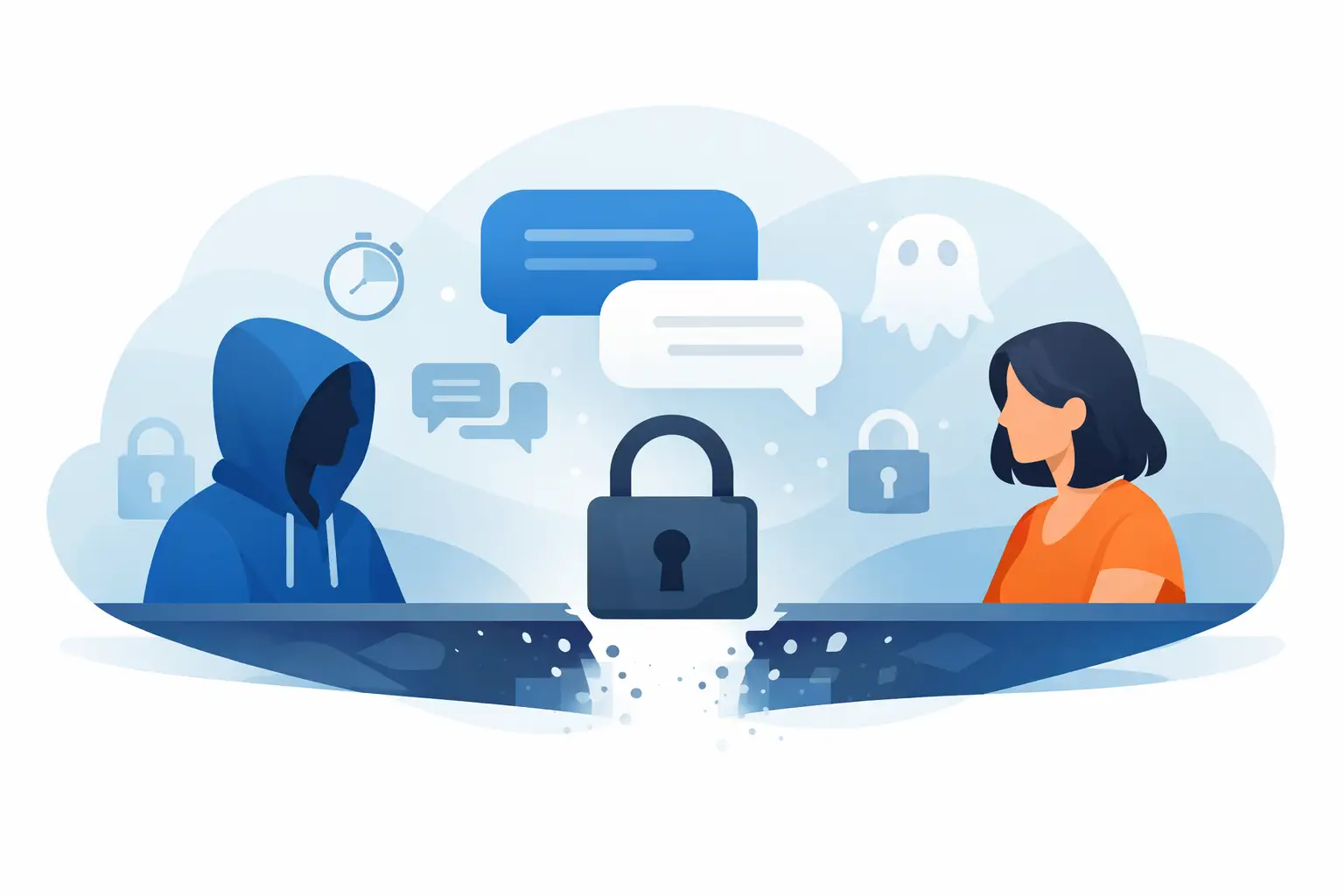
A contractor needs to send a production recovery code to an on-call engineer. A founder needs to share acquisition notes with a lawyer. A teammate needs a short-lived place to discuss an incident without adding another message to Slack history. These are practical reasons to use a temporary private chat without account friction - not because a temporary chat makes risk disappear, but because it can reduce unnecessary copies, access paths, and retained plaintext.
The distinction matters. A private conversation is not automatically secure because it disappears later, and an account-free tool is not automatically anonymous because it does not ask for a login. The useful question is more specific: can two people exchange sensitive information with strong encryption, limited retention, and a clear understanding of what remains outside the tool's control?
When Temporary Private Chat Without an Account Fits
An account-free temporary chat works best when the exchange is focused, time-bounded, and involves a small number of people. Think of a one-time handoff, a short troubleshooting session, an access request, or a conversation that does not belong in a permanent company system.
It is especially useful when requiring recipients to create an account would slow down the work or cause them to move the conversation back to email, text messages, or a consumer chat app. A private link can be shared through the channel people already use, while the sensitive content stays in the encrypted conversation instead of the surrounding message.
That does not mean every sensitive discussion should be moved to a temporary guest chat. Formal projects may require identity verification, audit trails, retention policies, and administrator-managed access. An account-free room is a focused delivery tool, not a replacement for an organization's collaboration, compliance, or incident-response systems.
What “Private” Should Mean in Practice
For a temporary chat to provide meaningful privacy, encryption should happen before the message leaves the sender's browser. With browser-side encryption, your browser converts the message into ciphertext locally. The service stores and relays ciphertext rather than readable conversation text.
The decryption key also matters. A design that keeps the key in the URL fragment separates it from standard browser requests, because fragments are not normally sent to web servers as part of an HTTP request. The recipient's browser uses that key to decrypt the ciphertext locally after opening the private link.
This architecture reduces the amount of readable data a service can routinely access. It is a stronger model than simply trusting a provider's server to encrypt data after receiving it in plaintext. Still, “encrypted” is not a complete security answer. You should understand how the link is shared, whether an optional password is available, how long the conversation remains accessible, and what happens when a participant closes a session.
Privacy also has a metadata boundary. A service may still need operational information to deliver the exchange, prevent abuse, or enforce expiration. Encryption protects message contents, not every fact surrounding a conversation. Treat claims of total invisibility with caution.
The Controls That Change the Risk
A temporary chat becomes more useful when its controls match the sensitivity of the information and the real-world handoff. Expiration is often the first control people reach for. It limits how long the room or message remains available, reducing the chance that an old link becomes an unnoticed liability months later.
But expiration is not retroactive. Once a recipient has read a message, they can copy it, take a screenshot, save an attachment, or repeat its contents elsewhere. Expiration can close future access to the chat; it cannot recall knowledge that has already been revealed.
Password protection adds another layer when the chat link might travel through an exposed channel, such as an email thread with broad forwarding risk. Send the link and password through different channels when possible. If both travel together, the password still helps against some accidental exposure, but it does not create independent protection.
One-time access or limited retrieval can be appropriate for a single credential, recovery code, or sensitive instruction. Use it carefully in an operational setting. A recipient who opens the item before they are ready may lose access, and a rushed resend can create more copies than the original workflow would have.
Encrypted replies are valuable when the exchange needs a response. Without them, a recipient may receive a protected message and then reply with the sensitive answer in regular email or chat, defeating the purpose of the first handoff. For files, download limits can reduce repeated access, while encrypted attachments keep the file protected during delivery.
Set Up the Conversation for the Actual Job
Before creating a room, decide whether you need a conversation or a one-way handoff. If you are sending a single API key with no expected response, a one-time secret link may be simpler. If the recipient needs to ask a question, confirm details, or return a protected value, temporary chat is the better fit.
Write only what the recipient needs. A troubleshooting conversation does not need a full customer record if a masked identifier and a specific error message will do. A credential handoff should not include an unrelated list of systems, usernames, or recovery methods. Encryption is valuable, but data minimization reduces the impact if a recipient device, copied message, or shared link is compromised.
Set an expiration based on the task, not a vague preference for short retention. For a live support handoff, a few hours may be enough. For an engineer working across time zones, a day or two may be more realistic. An expiration that is too aggressive creates failed access and unnecessary resends. One that is too long turns a temporary exchange into a dormant archive.
If you use a password, make it specific to that conversation and avoid putting it in the same message as the private link. Confirm the intended recipient through a known channel before sending highly sensitive material. This is not bureaucracy. It helps prevent a typo, a forwarded message, or a lookalike address from becoming a disclosure event.
Once the task is complete, delete or close the conversation if the service supports it. Then rotate anything that should not remain usable after the handoff, such as temporary credentials or emergency access tokens. Secure delivery is only one part of a secure operating procedure.
Account-Free Does Not Mean Identity-Free
The absence of a login is useful because it removes registration friction. It also changes what the service can reliably know and what you can manage later. Without accounts, there may be no durable dashboard, no verified organizational identity, and no reliable way to recover a conversation if the link or key is lost.
That trade-off can be exactly right for a brief, low-coordination exchange. It is less suitable when a team needs repeatable workflows, participant management, long-term administration, or centralized deletion controls. In those cases, a signed-in encrypted group room may offer a better balance between privacy and operational accountability.
Do not confuse an account-free workflow with proof of who is reading. A link can be forwarded. A password can be shared. If identity assurance is central to the task, verify the recipient outside the chat or use an established company identity process before revealing the sensitive information.
Common Failure Modes to Avoid
The most common failure is protecting the message while leaving the surrounding process exposed. People paste the private link into a public ticket, send the password in the same email, or include enough context outside the chat to make the secret easy to reconstruct. Keep the public-facing context minimal.
Another failure is treating a temporary room as a place to store secrets. If a conversation becomes a running log of credentials, internal decisions, and customer details, it has outgrown its purpose. Move the ongoing work to an approved system with the right access, retention, and governance controls.
Finally, protect the endpoint. Browser-side encryption cannot stop malware on a participant's device, a compromised browser session, shoulder surfing, or screenshots taken by an authorized viewer. The first viewer may be trustworthy and still be using an unmanaged laptop or a shared screen. The system can protect content in transit and at rest as ciphertext; it cannot fully control plaintext after decryption on a recipient device.
Strumio is designed around this disciplined model: encrypt content in the browser, share the private link, and apply controls such as expiration, passwords, reply capability, and deletion where they fit the exchange. The value is not a promise of perfect secrecy. It is giving people a more deliberate alternative to dropping sensitive material into ordinary communication history.
A temporary private chat is most effective when it supports a decision you have already made: this information should reach a specific person, for a limited purpose, and should not become another permanent copy in someone else's inbox.