How to Share Sensitive Information Without Chat History
Learn how to share sensitive information without chat history using encrypted, time-limited handoffs for passwords, files, and access details safely.
· By Strumio Editorial Team · Updated
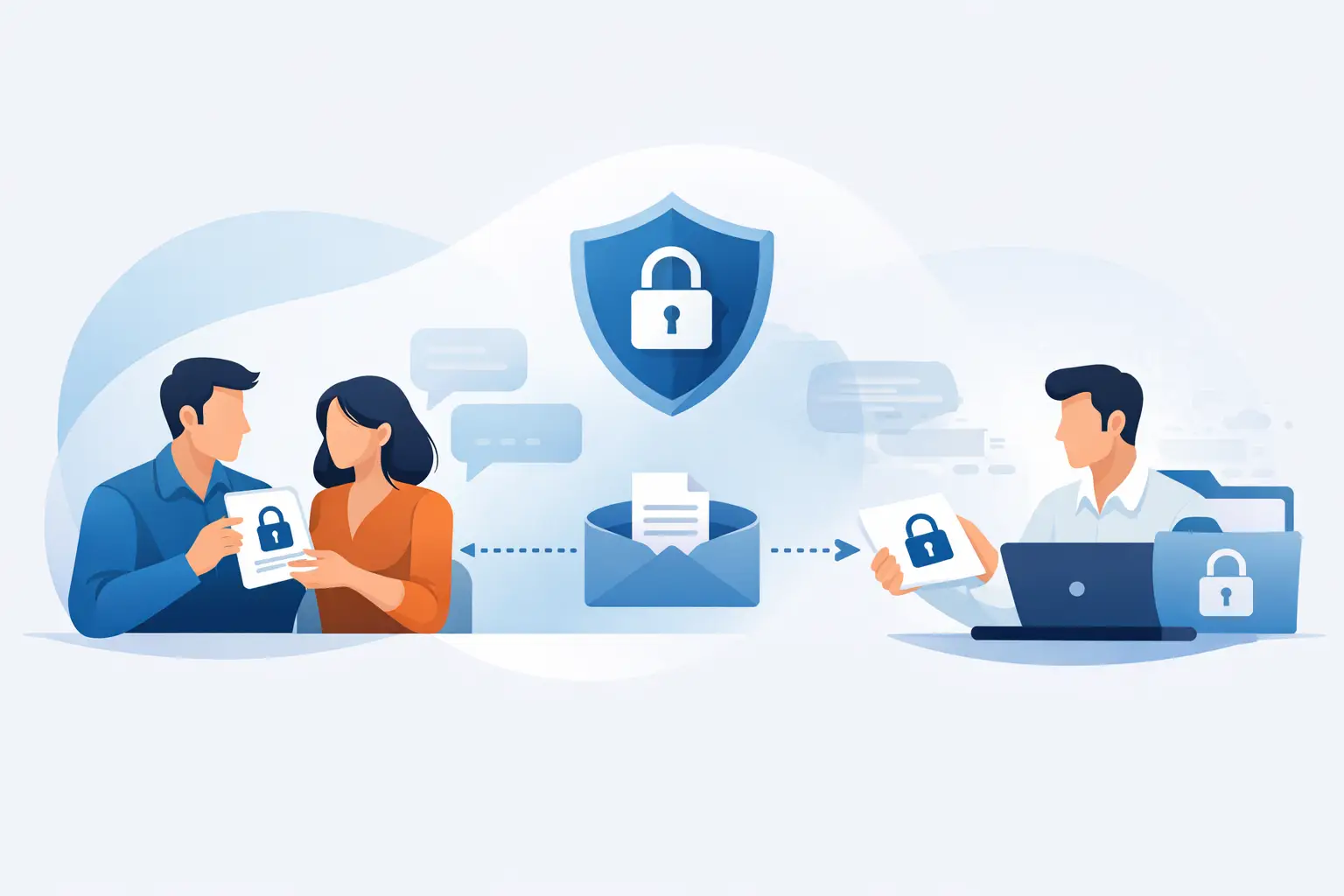
A password pasted into Slack can persist long after the immediate problem is solved. The same is true for API keys in tickets, recovery codes in email, and client documents attached to a chat thread. To share sensitive information without chat history, separate the private content from the conversation channel people use to coordinate.
That does not mean abandoning chat altogether. It means using chat for a short handoff notice and placing the secret itself in a controlled, encrypted exchange. The difference is practical: a chat archive may retain the notification that a link was sent, but it does not need to retain the password, file, or access instruction in readable form.
Why ordinary chat history is a security problem
Chat is built to preserve context. That is useful when a team needs to revisit decisions, but harmful when the context includes credentials or confidential material. Search, exports, backups, retained direct messages, device notifications, and access by future workspace administrators can all expand the number of places a secret may remain.
Deleting a message is not a complete remedy. Depending on the service, recipients may have seen it in a notification, copied it elsewhere, exported the conversation, or retained it in a local client cache. A deleted message may also remain available under retention, legal-hold, or backup policies.
The problem is often not that a team chose an obviously unsafe tool. It is that a fast, familiar tool became the default for an exchange that deserved tighter boundaries. A consultant needs a client to send a cloud credential. An IT administrator needs to provide a temporary recovery code. A founder needs to share bank details with an accountant. These are focused handoffs, not conversations that need a permanent record.
What “without chat history” actually means
No practical tool can make the act of communication disappear entirely. If you send a private link through chat, the link message itself can still appear in the chat history. The goal is narrower and more useful: keep the sensitive plaintext out of that history, and limit how long the protected content can be accessed.
A sound handoff has three separate layers. First, the secret is encrypted before it leaves the sender's browser. Second, the recipient receives a private link through an existing channel such as chat, email, or SMS. Third, the sender applies delivery controls appropriate to the material, such as an expiration time, a password, one-time access, or a download limit.
The recipient gets a simple experience: open the private link and read or download what was shared. The sender gets a more disciplined boundary than pasting material into a workspace that is designed to remember everything.
A practical workflow for sensitive handoffs
Start by deciding whether the recipient needs a conversation or only a one-time delivery. For a single password, recovery code, or access instruction, a one-to-one encrypted handoff is usually the right fit. For a short coordination exchange involving several people, use a temporary private chat that is deliberately separate from the team's long-lived workspace.
Next, create the handoff in a browser-based encrypted tool. With Strumio, content is encrypted locally in the browser using AES-256-GCM before ciphertext is stored. The decryption key is held in the URL fragment, which standard browser requests do not send to the server. In plain language: encrypt it in your browser, then share the private link.
Choose controls based on the risk of the item and the recipient's situation. A one-time viewing setting is sensible for a password that can be changed after use. A short expiration may fit a time-bound instruction. Add a separate password when the link could travel through a channel you do not fully trust, or when you can deliver that password by a different route. For a file, a limited-download control can reduce repeated access when that matters.
Then send a minimal notice in the existing chat. “I sent the credential through the private link” is enough. Do not repeat the secret in the message for convenience. If the recipient needs clarification, use an encrypted reply capability or a temporary private conversation rather than turning the original workplace chat into the permanent record.
Finally, change or revoke the underlying credential where possible after the task is complete. Delivery controls reduce exposure, but credential rotation is what closes the loop for passwords, tokens, and recovery information.
Match the control to the information
Not every sensitive item needs the same treatment. A temporary Wi-Fi password has a different consequence from a production API key or an identity document. The right setting depends on the value of the information, the recipient's environment, and whether the secret can be replaced.
For credentials, use the shortest access window that will not disrupt the recipient. One-time access is useful when someone only needs to retrieve a value once, but it can create support friction if they close the page before recording it. If the credential is difficult to rotate, consider a longer expiration with an added password and a clear plan to replace it afterward.
For confidential files, think about both viewing and downloading. A document may need to remain available for a few days, while a sensitive attachment may be intended for a single download. If several people need the same material, a signed-in group exchange can provide clearer participant boundaries than forwarding one link across a growing chat thread.
For inbound collection, such as a client sending onboarding records or a contractor submitting access details, use a reusable encrypted request link or a private inbox workflow. This avoids asking people to attach sensitive material to email repeatedly and gives the recipient a consistent place to submit it.
Where the boundary still applies
Encryption and expiration are valuable controls, but they are not magic erasers. Once a recipient decrypts and sees plaintext, they can copy it, photograph the screen, save the file, or share it with someone else. An expiration can stop future access to the original handoff. It cannot revoke information that was already revealed.
Likewise, a private link should be treated as sensitive. Anyone who has the full link may be able to open the content unless another control, such as a password, is required. Avoid placing the link in public channels, broad distribution lists, or ticket comments visible to people who do not need access.
There is also metadata to consider. Even when content is encrypted, a service may still process limited operational data needed to deliver the exchange, such as timing, account activity, or technical logs. Review the provider's stated handling practices when your workflow has regulatory, contractual, or internal-policy requirements. Client-side encryption protects message content; it does not eliminate every trace that a handoff occurred.
Improve the team habit, not just the individual message
The most effective change is a small operating rule: chat coordinates, private handoffs carry secrets. Make that rule easy enough that people follow it under pressure. A short internal guideline can state that passwords, private keys, recovery codes, customer documents, and access links do not belong in standard chat or ticket comments.
Give people a simple alternative for common cases. Guest-capable encrypted handoffs reduce friction when the sender or recipient does not need an account. Account-based tools make more sense when teams need dashboards, recurring request links, group rooms, and deletion management. Neither approach replaces a formal secure data room when a transaction demands audit-heavy controls and structured document governance. It depends on the workflow.
The best private handoff is usually uneventful. The recipient gets what they need, the sender can control its availability, and neither party leaves a reusable secret in a conversation system built to retain and redistribute context. That is a more realistic standard than trying to make sensitive information vanish after it has already been pasted into chat.